Android
Android
Öffnen Sie den Google Playstore auf Ihrem Smartphone.

Open the Google Play Store on your smartphone.
Geben Sie "Microsoft Authenticator" in die Suchleiste ein.
Wählen Sie die "Microsoft Authenticator" App aus.
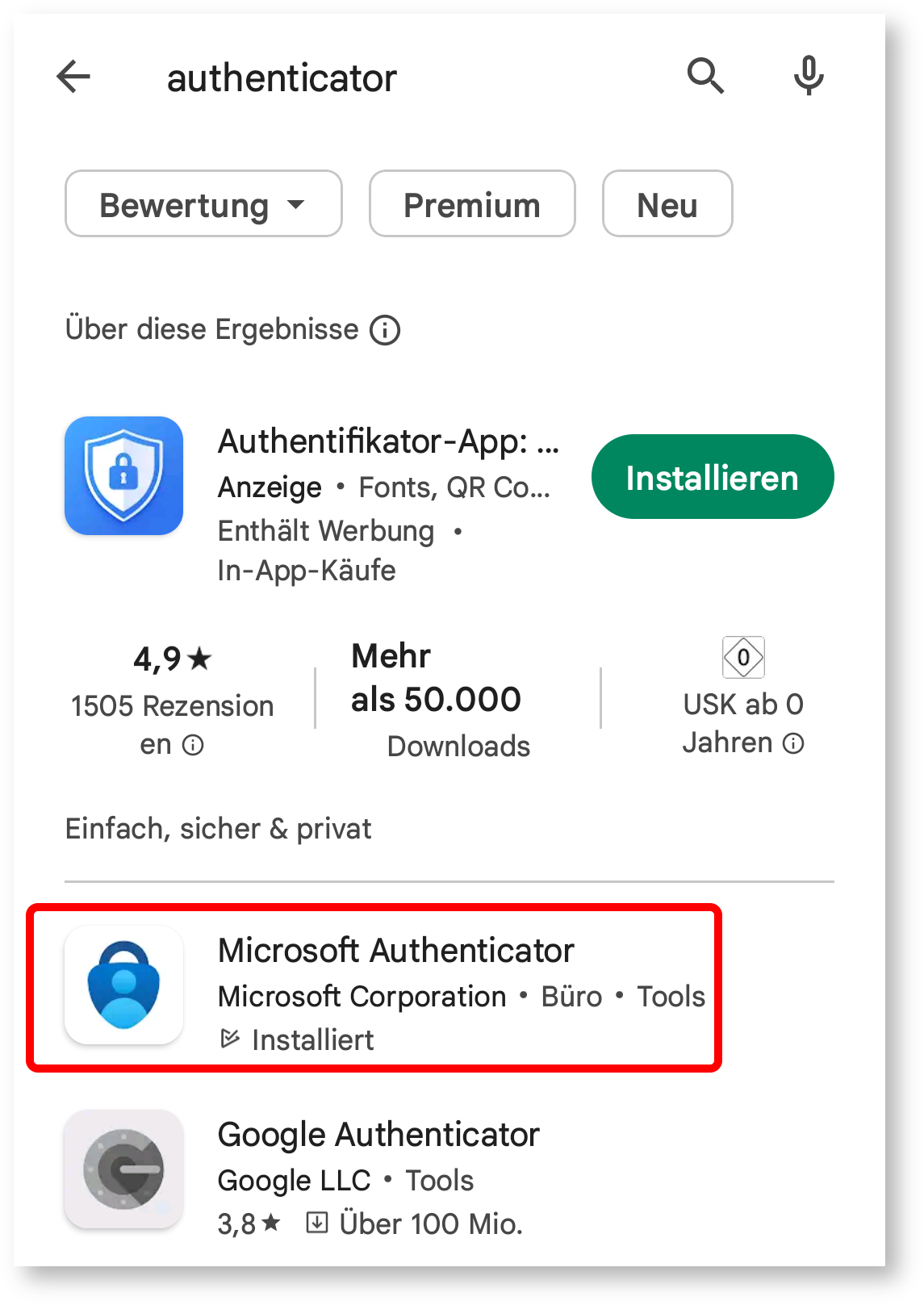
Type "Microsoft Authenticator" in the search bar.
Select the "Microsoft Authenticator" app from the search results.
Klicken Sie auf "Installieren", um die App herunterzuladen.
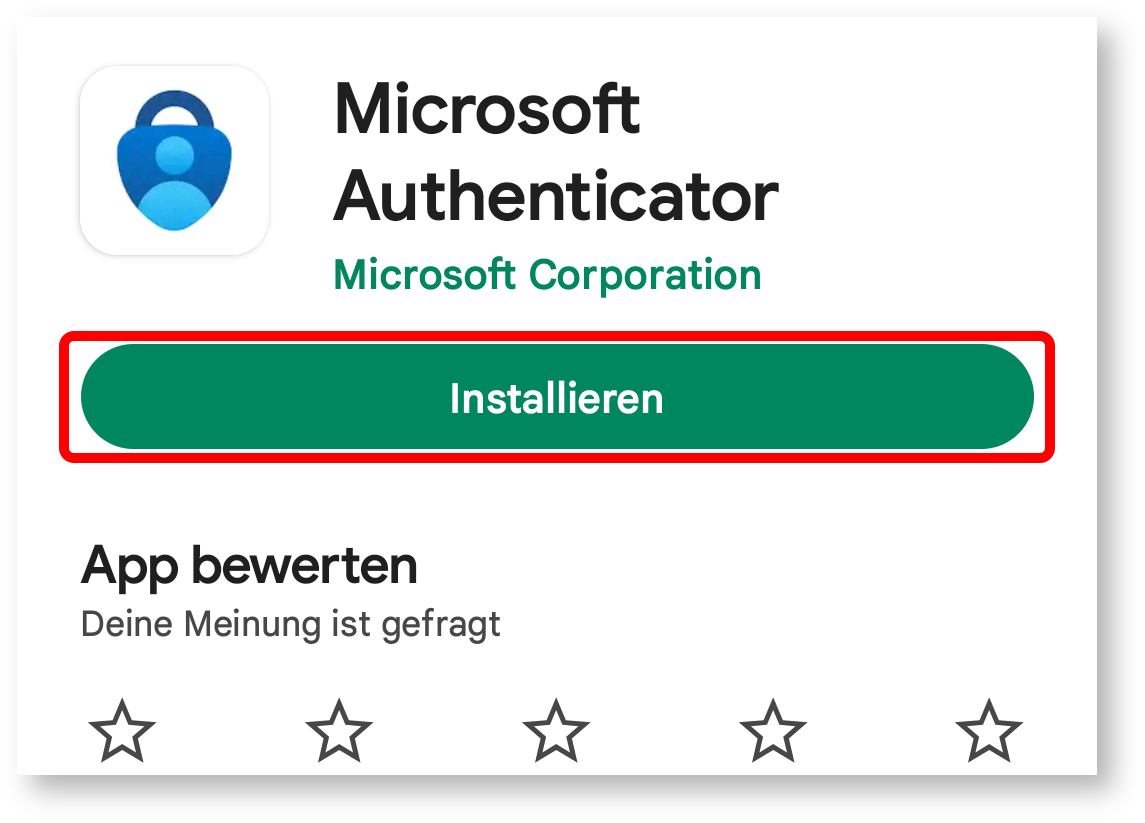
Click "Install" to download the app.
Warten Sie, bis die Installation abgeschlossen ist.
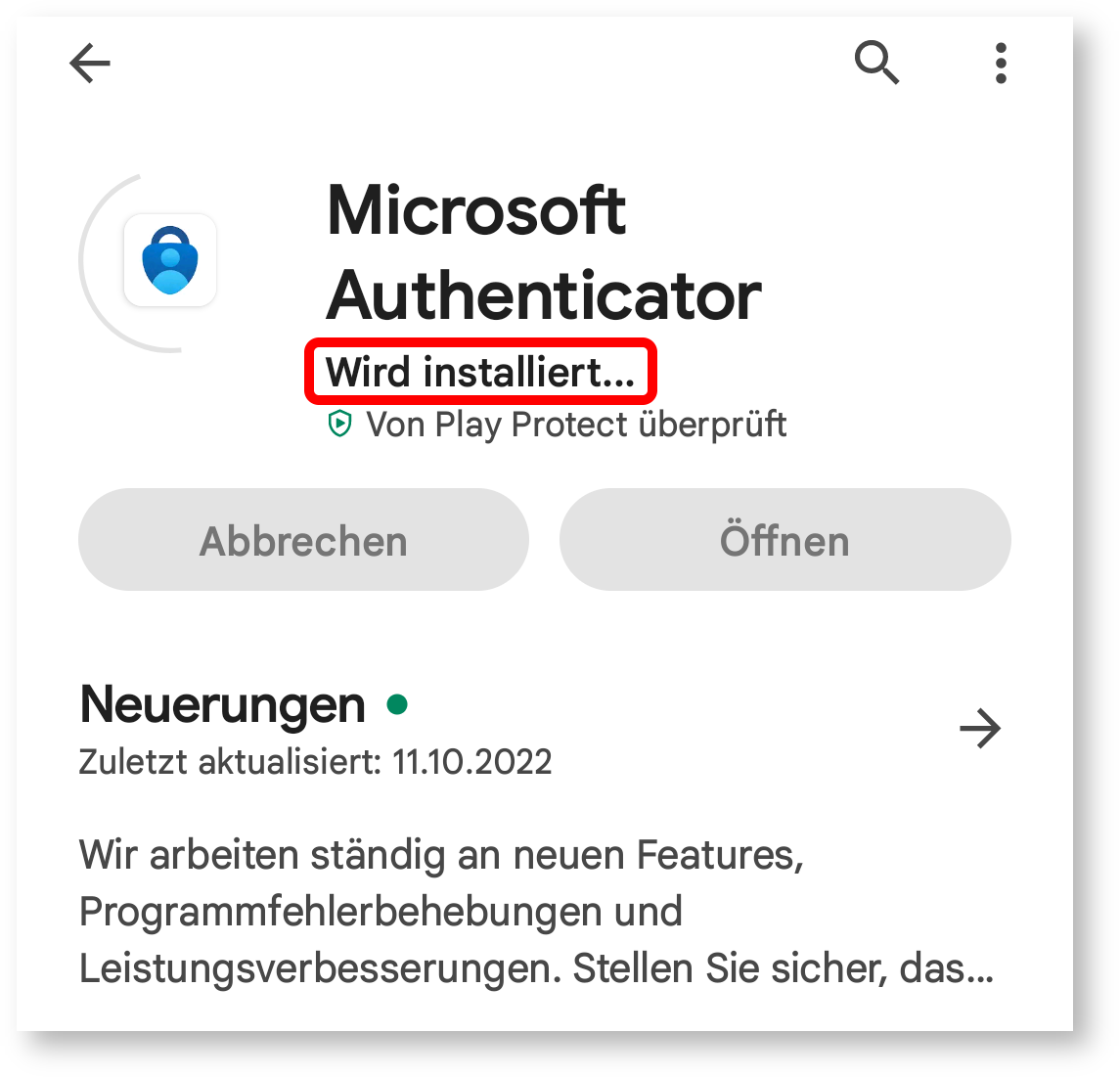
Wait for the installation to complete.
Öffnen Sie die App, sobald sie installiert ist.
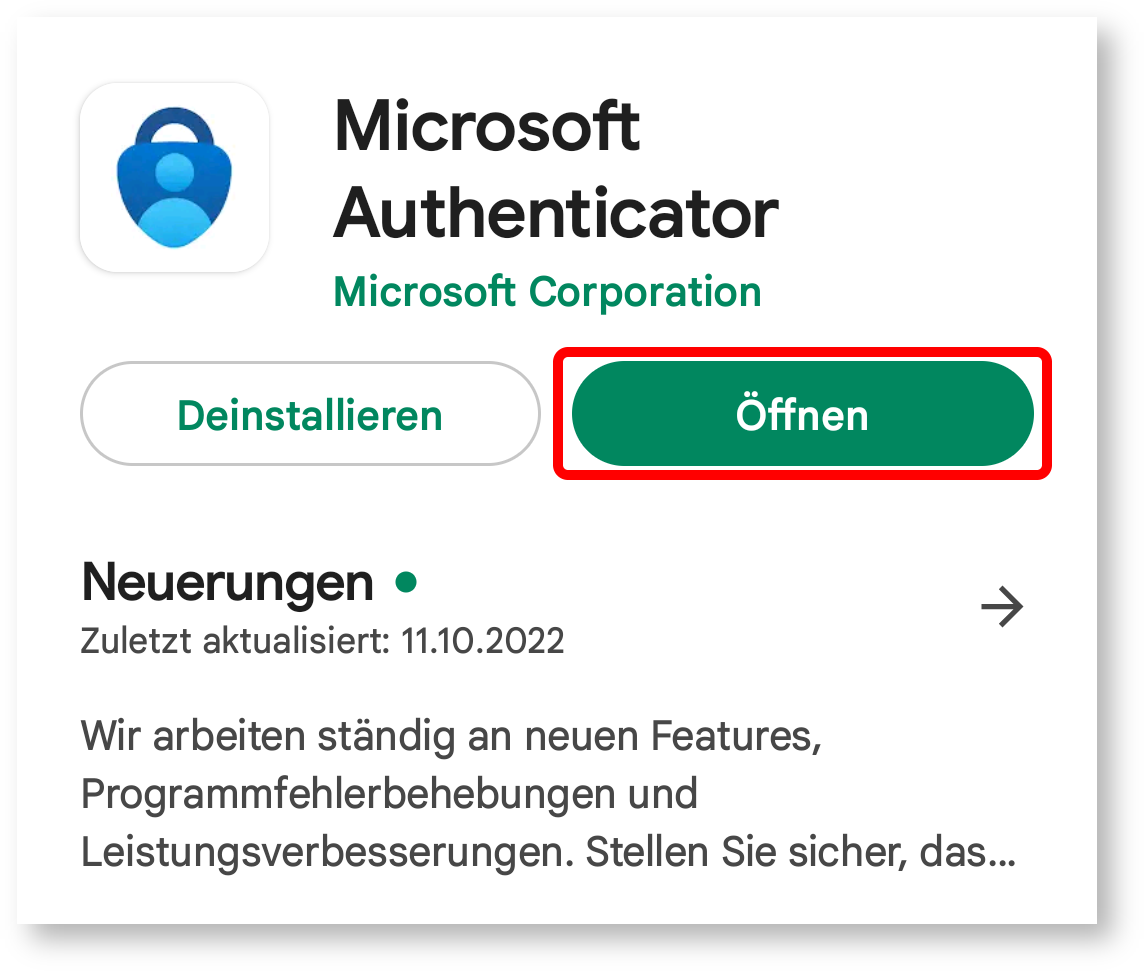
Once the app is installed, open it.